More control.
Less admin.
Lower costs.
Manage Windows workplaces with VDI Access Suite Manager. Make every flex desk feel familiar with ScreenGenie. Give users focused access to VDI, SaaS and kiosks with VDI Access Suite.
▣ Devices
Manage your Windows endpoints| Host name | Group | Serial number | Profile |
|---|---|---|---|
| DEMO-PC-001 | Office | DEMO-001 | applied |
| DEMO-PC-002 | Shared | DEMO-002 | applied |
| DEMO-PC-003 | VDI | DEMO-003 | applied |
| DEMO-PC-004 | Kiosk | DEMO-004 | applied |
One click. Your complete display setup.
The interface and engine are now separate, so ScreenGenie starts much faster. Configure your preferences in the interface; let the engine apply them with one click or automatically through Windows Task Scheduler.
Explore ScreenGenie 26.10 ↗A familiar setup. Every time.
From layout and laptop position to orientation and scaling: consistent settings for a comfortable, ergonomic, energy-conscious and sustainable workplace.
Download ScreenGenie 26.10 ↓Looking for version 26.7? →A better workplace.
From IT to the end user.
Focused software that solves everyday IT challenges. Choose what you need and combine products where they add value.
VDI Access Suite Manager
Evaluate in a PNQ-provided cloud instance, then deploy locally to manage Windows devices, software and policies. Use the Manager independently or combine it with VDI Access Suite through built-in shell configuration.
ScreenGenie
ScreenGenie 26.10 brings a faster start and complete Windows dual-monitor automation. Apply your preferences per user and monitor model with one click or through Windows Task Scheduler.
VDI Access Suite
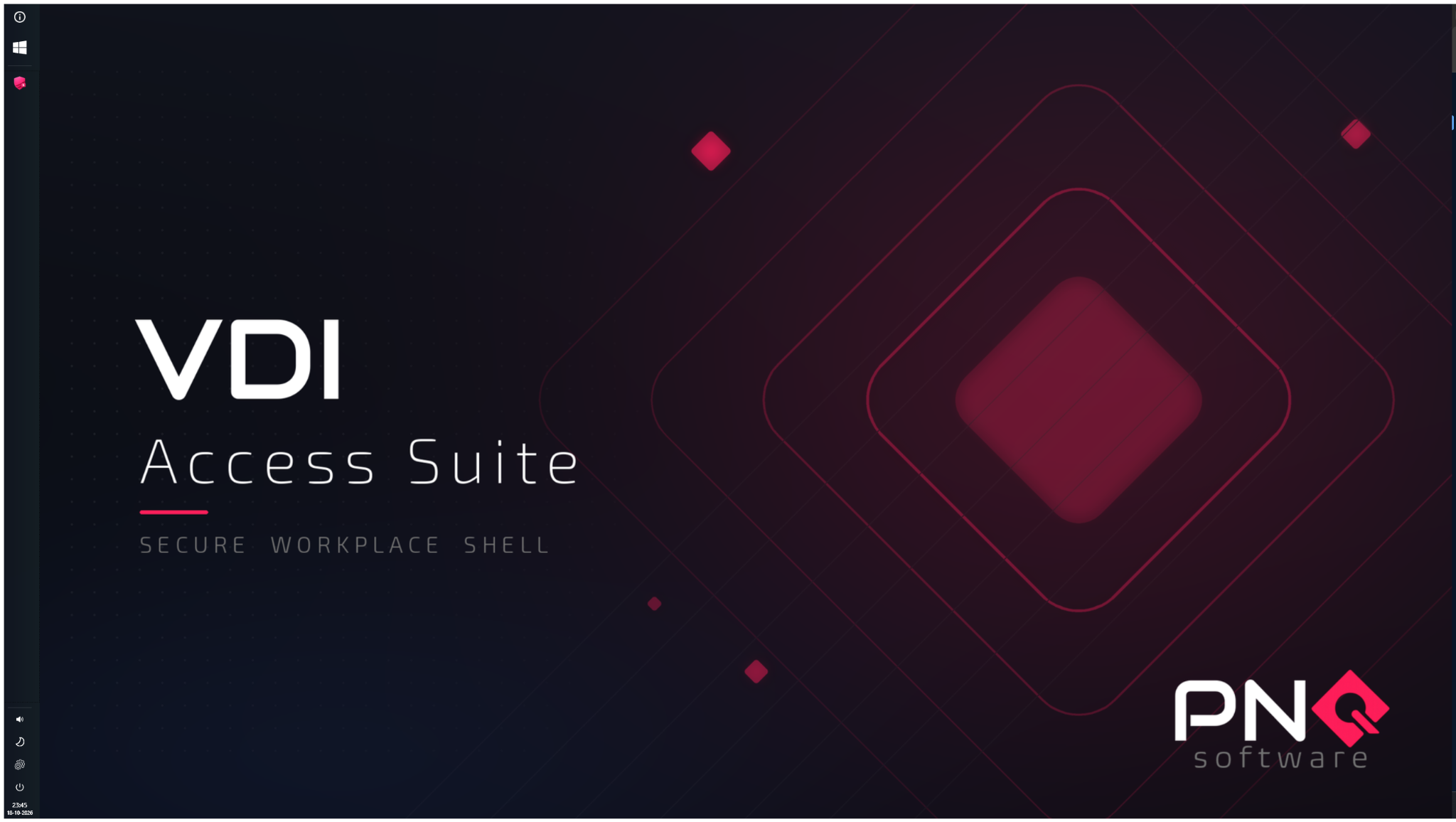
Start with a kiosk browser, open Microsoft 365 applications through Apps and switch naturally with the taskbar or Alt+Tab. A focused Windows shell for VDI, SaaS, kiosks and prepared continuity environments.
Secure Web Solo
A configurable browser for controlled web access on kiosks and focused Windows workstations.
Layout
▣ Free configurationVertical alignment
Primary display
Monitors
2 monitor(s) detectedMirror monitor settingsDELL U2724DE✓
USB-C (Alt DP) · FW 113
Advanced
DELL U2724D
DisplayPort-1 · FW 104
Advanced
Your desk changes.
Your preferences don’t.
ScreenGenie 26.10 applies the complete Windows dual-monitor experience per user and monitor model. One click or a scheduled task replaces repeated manual adjustments when moving between desks.
- Laptop position, vertical alignment and display deduplication
- Resolution, refresh rate, orientation, scaling, primary display, brightness and contrast
- Fleet telemetry, Dell firmware updates and direct VCP control
The time to manage
your monitors is now.
Personal automation is only half the story. ScreenGenie Fleet Telemetry brings reported settings and firmware versions into one overview, so IT can see differences across the monitor fleet.
Explore fleet telemetry ↗Less manual work.
A clearer view.
From a single configuration change to deployment across an entire group: organise recurring work from the Manager, installed in your own infrastructure.
Group your workstations.
Create groups for locations, departments or use cases, then assign the relevant devices.
Configure once.
Distribute installers, files and PowerShell scripts. Execute tasks immediately or on a schedule.
See the result.
Review job status, output and exit codes. Know where a change succeeded and where attention is needed.
A focused workspace.
A familiar way to work.
VDI Access Suite Manager manages Windows workplaces independently. VDI Access Suite provides a focused user workspace independently. Together, built-in shell configuration brings central control and the user experience into one workflow.
- Start in a kiosk browser, for example with Copilot
- Open Microsoft 365 applications through Apps
- Switch using the taskbar or Alt+Tab
- Configure logoff, restart or shutdown after the last session
Focused on the work
that needs to get done.
VDI & thin clients
Combine controlled access with central management of the Windows endpoint.
SaaS & kiosks
Provide a focused workspace for Microsoft 365, Salesforce and task-specific applications.
Business continuity
Add a focused workspace to a prepared, validated recovery environment for access to essential online services.
Start with your own workstations.
Request a trial licence and see what fits your environment.