Secure web execution for managed Windows environments

Secure Web Solo

A controlled Windows web browser with three modes: Browser, Kiosk, and KioskPlus. No address bar, no settings, no right-click, no function keys - designed to keep users inside the intended web experience.

Windows Single instance Command-line deploy Cloud managed Offline fallback
Secure Web Solo in one sentence

Lock the browser down to what matters: a predictable web workflow that can be centrally configured, deployed at scale, and kept consistent across devices.

Browser
Windowed app with standard controls
Kiosk
Full-screen, single-purpose experience
KioskPlus
Full-screen + configurable top menu
Central control
Profiles, groups, and last-known fallback
See modes →
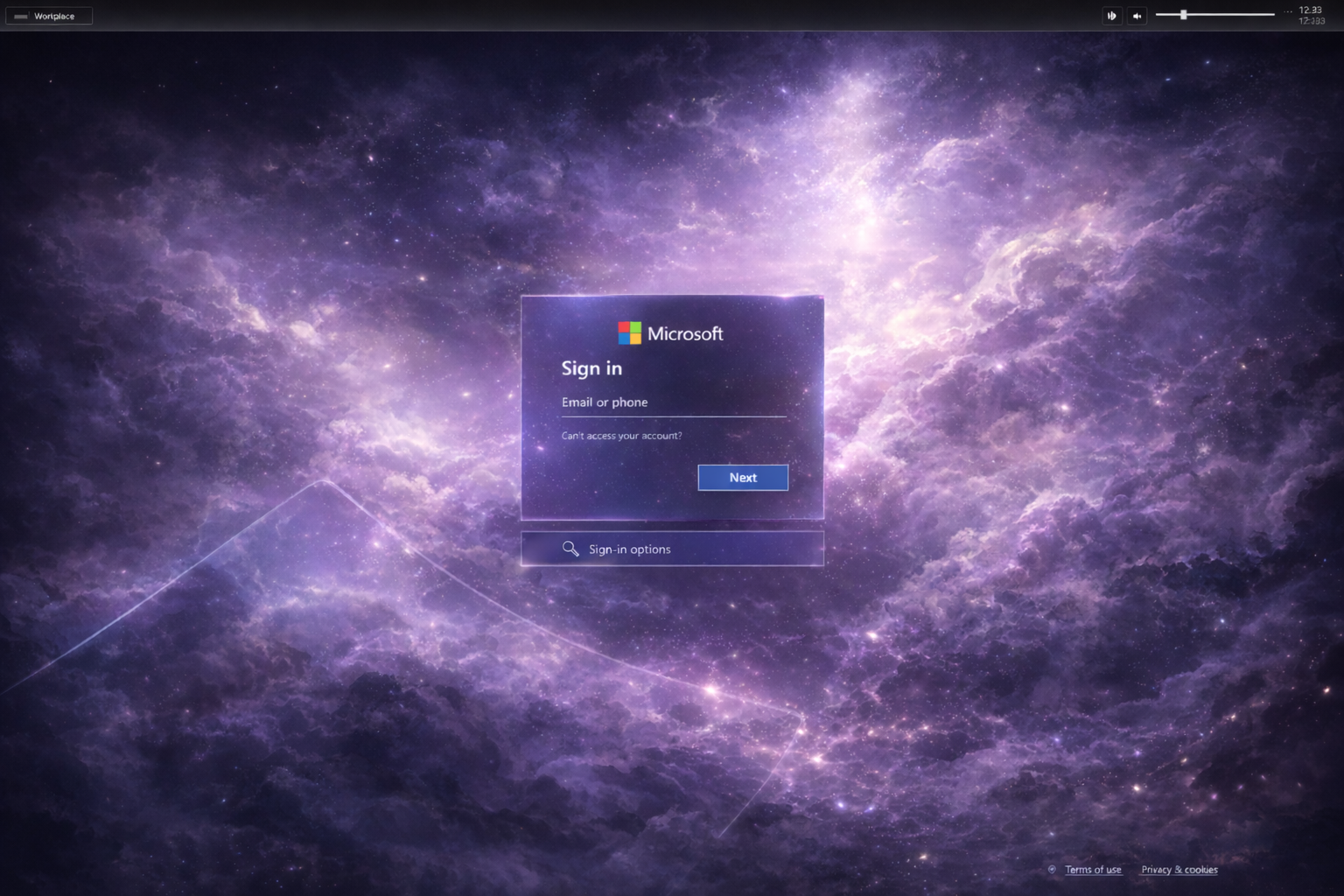
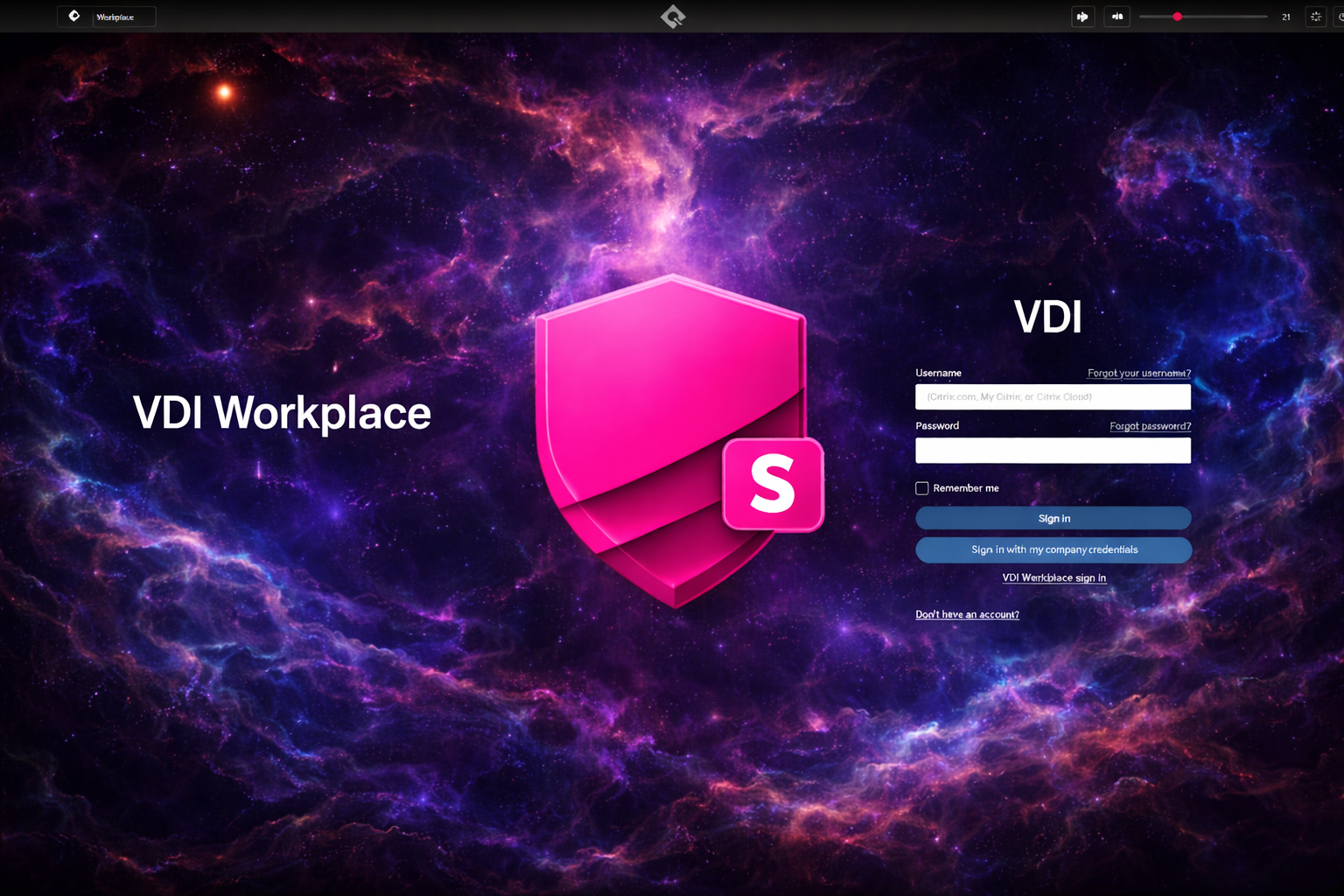
Secure Web Solo - KioskPlus example
Example: KioskPlus in a managed enterprise environment.

Why Secure Web Solo?

Standard browsers are built for exploration. Managed environments require the opposite: containment, consistency, and predictable UX — without user escape routes.

  • No right-click context menu (disabled)
  • No function keys or browser shortcuts that break the flow
  • No address bar, settings, or user-facing configuration
  • Single instance: only one running session permitted
  • Mode + URL can be enforced via configuration and CLI
Built for real-world IT

Secure Web Solo is ideal for centrally managed Windows estates where the browser is a workstation component — not a user playground.

Predictable UX Reduced risk Simpler support

Three modes. One secure platform.

Choose the interaction model you need — from standard windowed usage to fully controlled kiosk execution.

Browser mode

Windowed

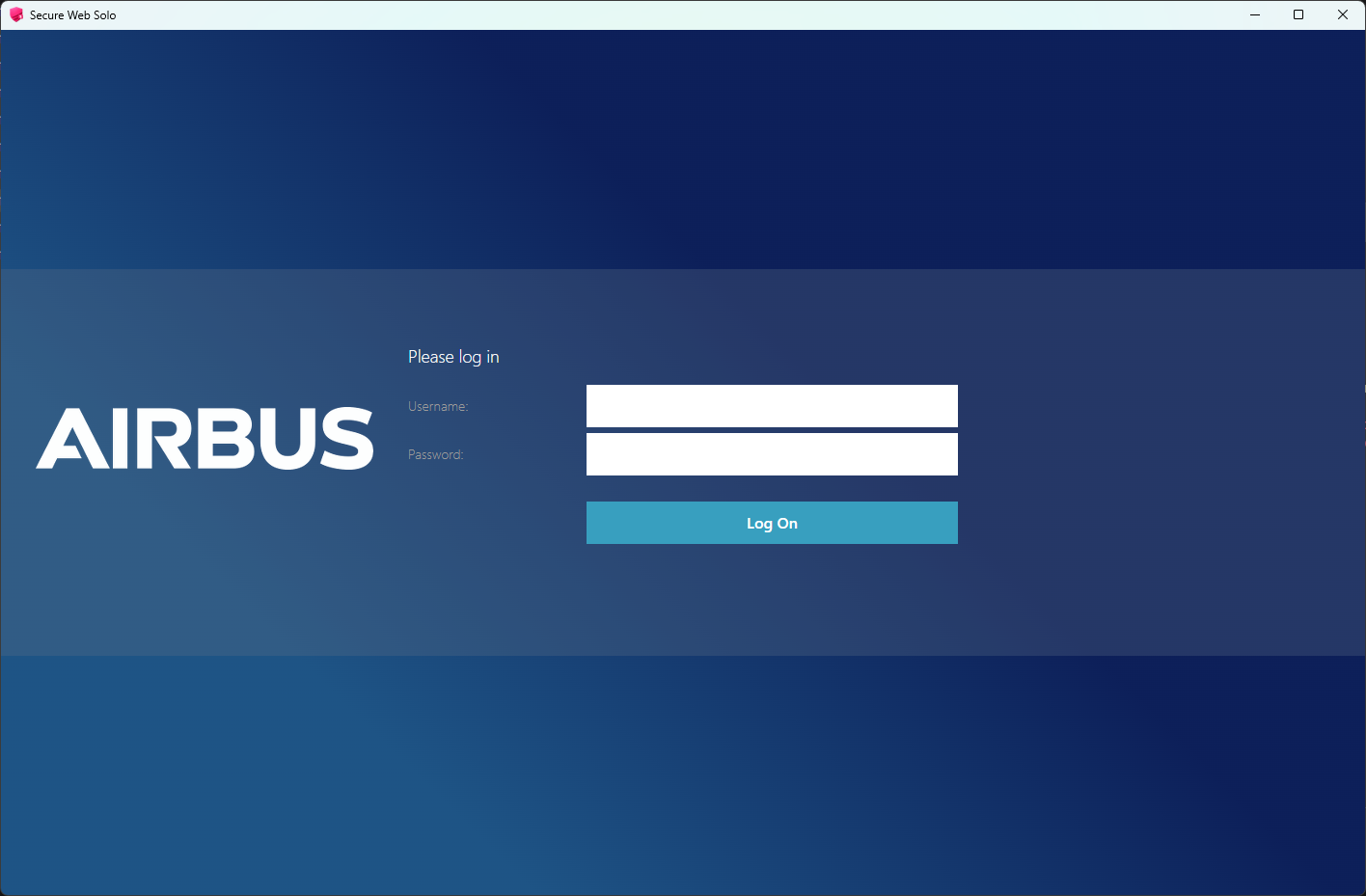
A normal Windows application that users can close, minimize, and maximize — with a hardened browser inside.

  • Standard Windows window controls
  • No address bar, settings, or extensions
  • No right-click and no function keys
  • Optimized for corporate desktop usage
Kiosk mode

Full-screen

A true full-screen, single-purpose browser experience. Ideal for unattended or semi-attended stations.

  • Full-screen execution
  • Website-focused interaction
  • Reduced user exit paths
  • Perfect for kiosks and terminals

KioskPlus mode

Configurable UI

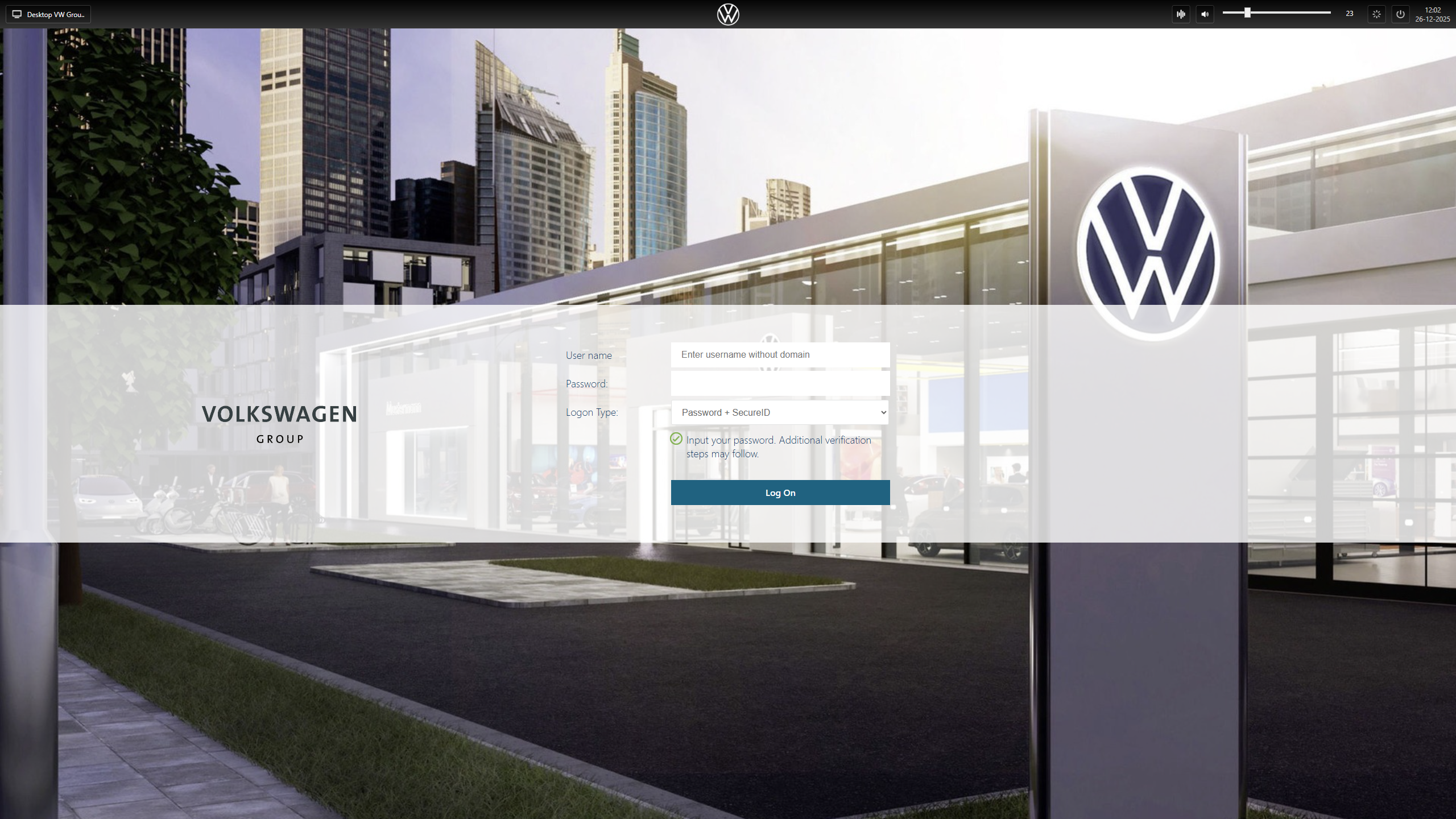
Full-screen kiosk with a configurable top menu. Build the “right amount” of UI for your workflow.

  • Back / Forward / Refresh / Home
  • Optional address bar
  • Workplace selector for web-based VDI
  • Audio Control Center + volume/mute
  • Optional Restart & Shutdown buttons
Secure Web Solo KioskPlus - configurable top menu

Design the kiosk UI your workflow needs

Every menu element in KioskPlus can be enabled or hidden through configuration, allowing you to create a focused web interface layer on top of any website — from “minimal controls” to “full operational console”.
When Secure Web Solo is deployed as a shell replacement, audio control remains immediately accessible. Even though users are fully shielded from the Windows® 11 operating system, they can still select and manage audio devices seamlessly, including devices that are connected after the session has started.

Back Forward Refresh Home Address bar Workplace Audio Restart Shutdown

Command-line deployment

Secure Web Solo supports command-line switches to set mode and target website — ideal for imaging, software distribution, and centrally managed rollouts.

Example
sws.exe -k https://website.com
Sets kiosk mode and target URL in the configuration so the device always starts the intended experience.
  • Fast provisioning for new devices
  • Consistent user experience across estates
  • Lower operational overhead for IT
Single instance by design

Only one instance can run at a time. This prevents parallel sessions, eliminates user confusion, and keeps kiosk behavior predictable.

Operational stability Less support noise

Cloud management with offline fallback

Link profiles to groups and manage Secure Web Solo configurations centrally. If connectivity is unavailable, devices automatically fall back to last known configuration.

Central profiles

Cloud

Define configuration profiles once and apply them across groups of devices for consistent behavior at scale.

  • Profiles assigned to device groups
  • Controlled UI and mode enforcement
  • Scalable operations

Last-known fallback

Resilient

When the management service is unavailable, the endpoint continues running on the last trusted configuration.

  • Business continuity by design
  • No “blank kiosk” failures
  • Stable end-user experience

Where Secure Web Solo fits best

Any environment where web access must be controlled, repeatable, and easy to manage.

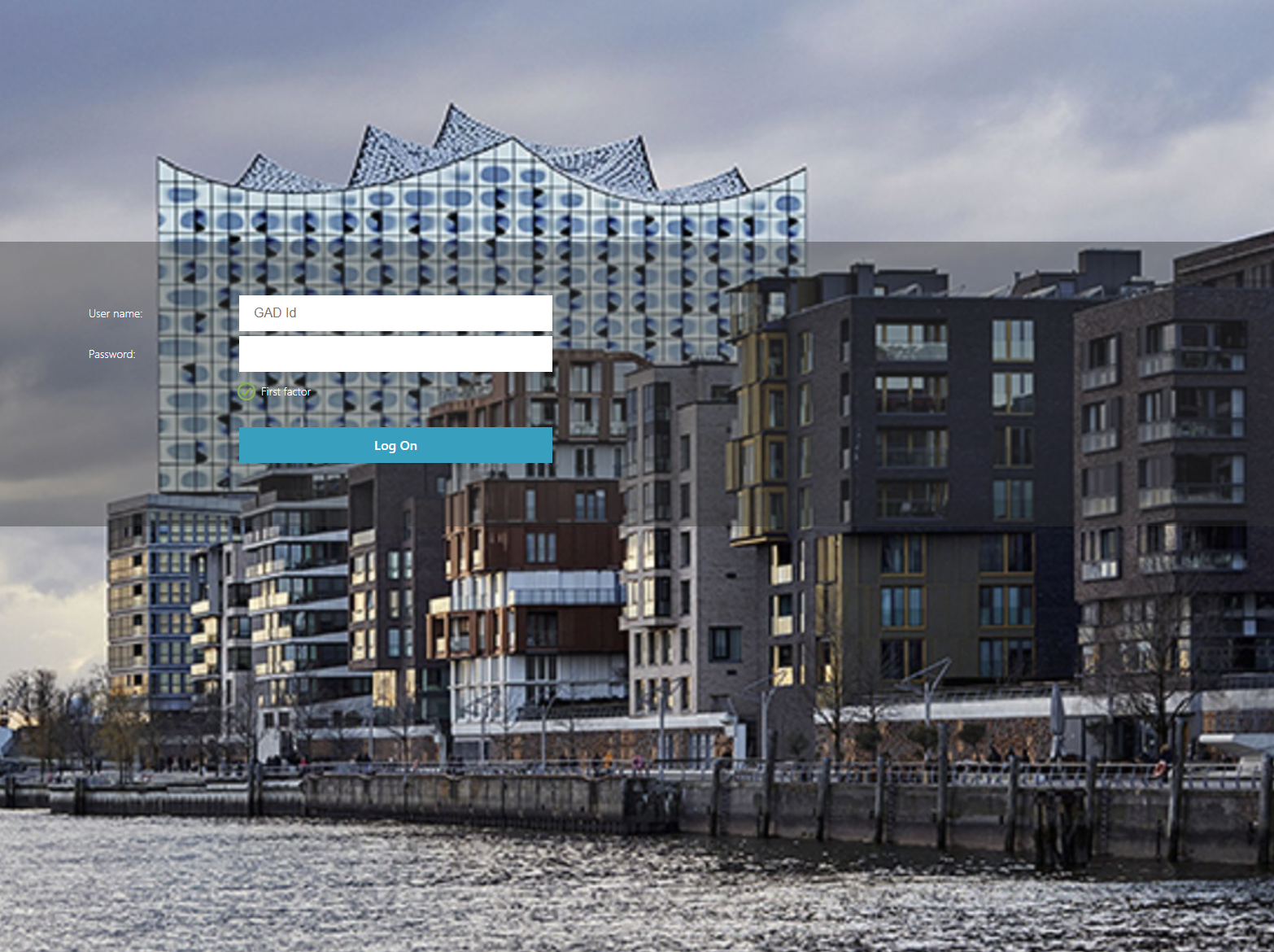
Enterprise kiosks
Reception, visitor systems, self-service terminals
Web-based VDI
Workspace selector + audio control for browser-delivered desktops
Manufacturing & shopfloor
Fixed web workflows with minimal escape options
Healthcare stations
Controlled access to web portals and clinical systems
Education & exams
Locked-down testing and learning portals
Retail & showrooms
Interactive product and catalog experiences
Digital signage controllers
Stable web display systems with managed settings
Events & exhibitions
Controlled public-facing web interaction

Screenshots

KioskPlus, Browser mode, and real-world examples.

Secure Web Solo icon
Application icon
Consistent branding for managed Windows installs
Secure Web Solo splash screen
Splash screen
Professional startup experience

Deploy a secure browser experience that stays controlled

Secure Web Solo combines hardened browsing, kiosk execution, and centrally managed configuration with offline resilience.