Time
Users lose time correcting display layouts and monitor behavior manually.
Impact area: productivity
ScreenGenie automatically optimizes monitor layout, brightness, contrast, alignment and user comfort across flexible Windows 11 workplaces.
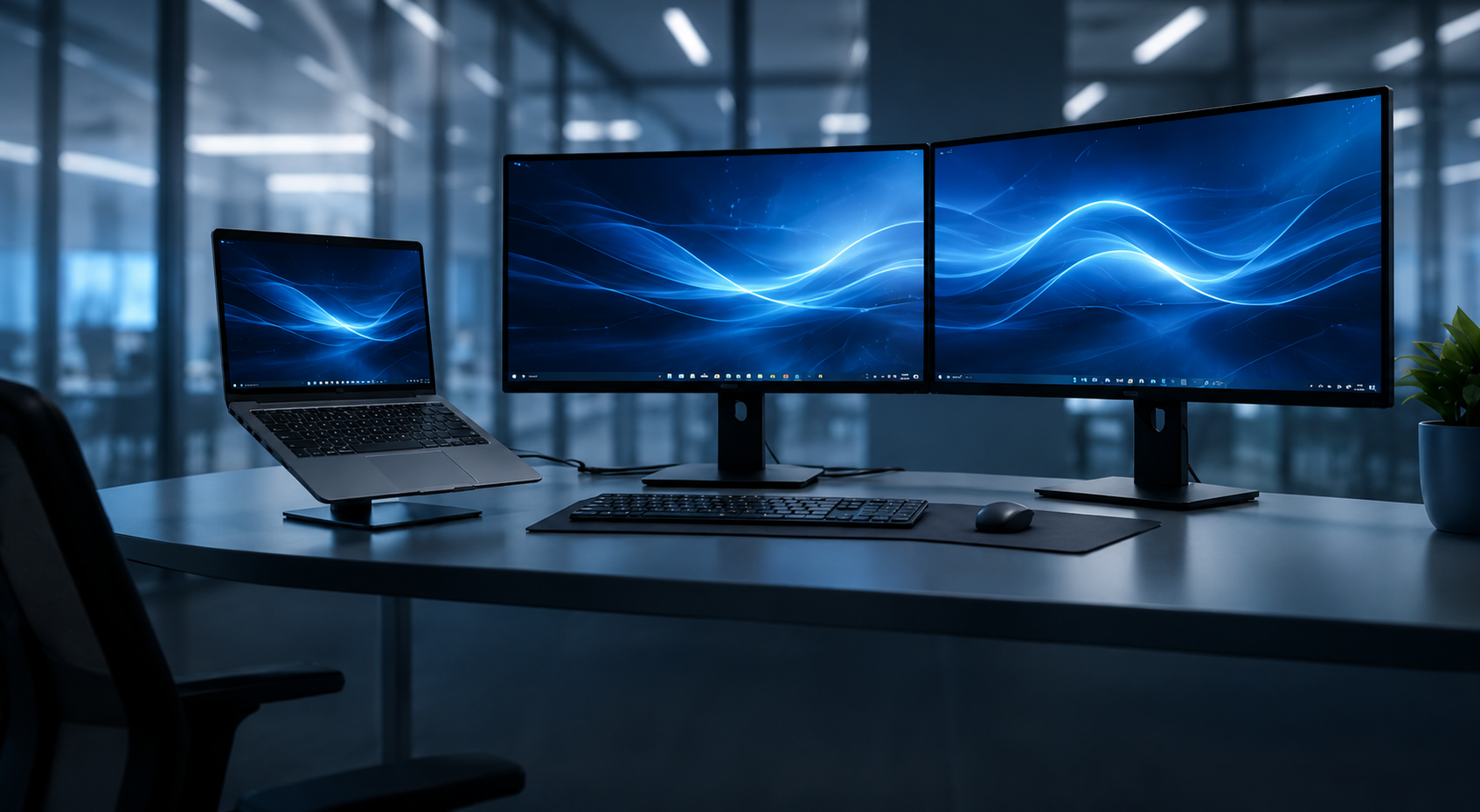
ScreenGenie turns monitor setup into an automated, ergonomic and measurable workplace experience — personalized per user and manageable by IT.
Learn more →Hybrid work, shared desks and docking stations have changed how people work. But users still lose time correcting layouts, brightness, alignment and monitor behavior manually.
Users lose time correcting display layouts and monitor behavior manually.
Brightness, contrast and alignment directly affect visual comfort.
Inconsistent display behavior creates avoidable support moments.
Overly bright displays consume more power than necessary.
Automatically configure layouts, alignment, brightness, contrast and more. No user interaction required.
Ensure consistent visual comfort across the organization with smart brightness and alignment management.
Maintain individual preferences on any device. Perfect for shared and flexible workplaces.
Built for docking, hotdesking and hybrid environments. Works everywhere.
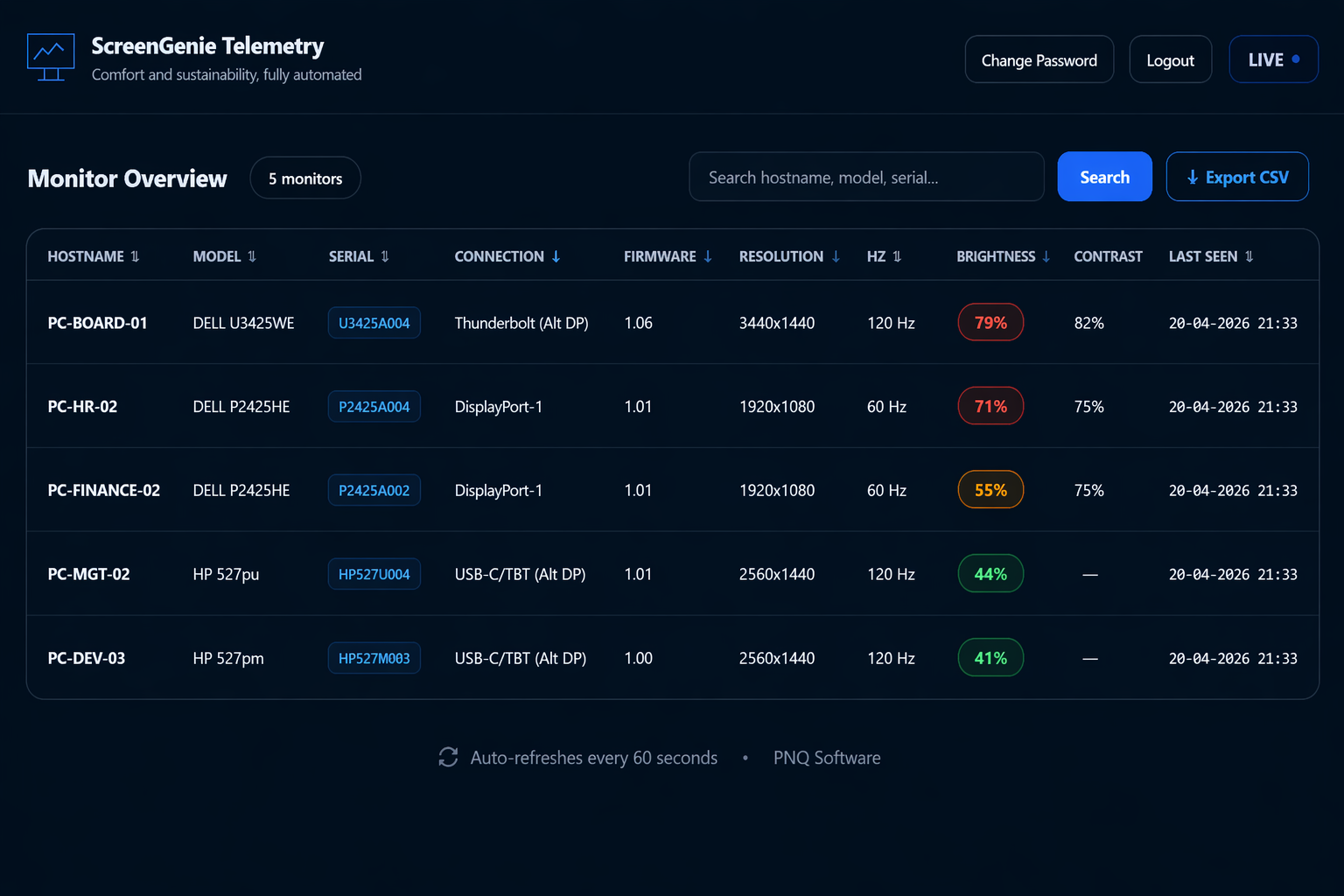
Real-time visibility into displays, policies, brightness, firmware and compliance.
The unique combination of automation and measurable insight — only with ScreenGenie.
Real-time visibility into every monitor across your organization — including brightness levels, configuration consistency, firmware status and policy compliance.
Enterprise-grade Windows applications for secure access, kiosk deployments and adaptive display automation.
Automated display setup, ergonomic calibration and telemetry when users dock — centrally manageable.
Protected access to websites or VDI environments by blocking access to the Windows desktop.
A locked-down browser for secure web sessions and kiosk deployments.
Adaptive display intelligence automatically configures monitor settings such as layout, brightness, contrast, deduplication and alignment in Windows 11 environments. In modern workplaces with hot-desking and flexible setups, users frequently experience incorrect monitor positioning and uncomfortable brightness levels.
ScreenGenie solves this by applying intelligent profiles per user and monitor, ensuring consistent display alignment, optimal visual comfort, reduced energy consumption and measurable display compliance across enterprise environments.